

A content repurposing system is a repeatable way to get a full week of content from one batch of recording, instead of starting from scratch every day. You record in batches, pull the best moments into short clips, turn the main idea into a written post and an email, and queue it all on a simple calendar. AI handles the slow middle, the transcribing, the clip-finding and the first-draft captions, so a job that used to eat your whole week drops to a few focused hours. Keep one source idea per batch and the whole week sounds like one clear thought.
You're spending way too long making content, and you can feel it. You record something, then you scrub through the footage, then you cut a clip, then you write a caption, then you sit down later and try to think up a post out of nowhere, and by the time you've fed every platform you're wiped out and behind on your real work. It's not that you're slow. It's that you're treating every post like a brand-new project, and that's the trap.
The fix is repurposing, but done as a system, not as random reposting. One good idea, recorded once, becomes a clip, a post, an email and a few more clips, all pointing the same way. You stop starting over and you start stretching. That one shift is where the ten hours a week comes back, and it's the engine underneath how you build a personal brand with AI without it eating your life.
Here's the exact system I run for clients, the step-by-step loop, where AI cuts the time, and a clear before-and-after so you can see the hours move.
What a content repurposing system actually is
Let's get clear on it, because "repurposing" gets thrown around like it means posting the same thing twice.
A real system is a fixed loop you run every week. You record on purpose, you cut on purpose, you write on purpose, and you queue it all in one place. Nothing is improvised. Random reposting is when you grab an old clip and throw it up because the calendar's empty. A system is when every piece traces back to one idea you recorded that week, so it all fits together and builds on itself.
The big rule that keeps it from turning into mush: one source idea per batch. When you record, stay on one topic. That way the clip, the post and the email all say the same thing in different shapes, and your audience hears one clear message instead of five half-formed ones. Coherence is what makes a brand feel sharp, and a single idea per batch is how you get it without even trying.
Why doing it piece by piece eats your week
The reason content feels so heavy isn't the recording, it's the switching. Every time you stop to scrub footage, then switch to writing a caption, then switch to drafting an email, your brain pays a tax. You lose the thread, you warm back up, you lose it again. Spread that across seven days and you've burned hours just shifting gears.
Batching kills the switching. You do all the recording in one sitting, all the clipping in another, all the writing in another. Same tasks, but grouped, so your brain stays in one mode and moves fast. That alone is most of the time you get back, before AI even shows up.
The short version: you're not making too much content, you're switching too much. Group the same tasks together and let one idea feed the whole week.
The system: one loop that runs every week
Forget "post more." You want a loop you can run on autopilot. Here's the one I run for clients, four steps, same every week.
Step 1: Record in batches around one idea
Sit down once and record two short videos on the same topic. Don't film a little every day, it's the worst way to do it. Pick one problem your buyer has, talk through how you think about it, and stay on that lane for the whole batch. Phone's fine, no studio needed. If talking to a camera feels stiff, have someone ask you questions and just answer, you'll sound like yourself because you are.
Step 2: Pull the best moments into clips
Now you mine the recording. You're hunting for the two or three moments where you said something sharp, a strong line, a surprising take, a quick story. Those become your short clips for Reels, Shorts and TikTok, with captions and a hook on the front. You're not editing the whole video, you're lifting the gold out of it. One recording usually gives you three to five clips, easy.
Step 3: Turn the main idea into a post and an email
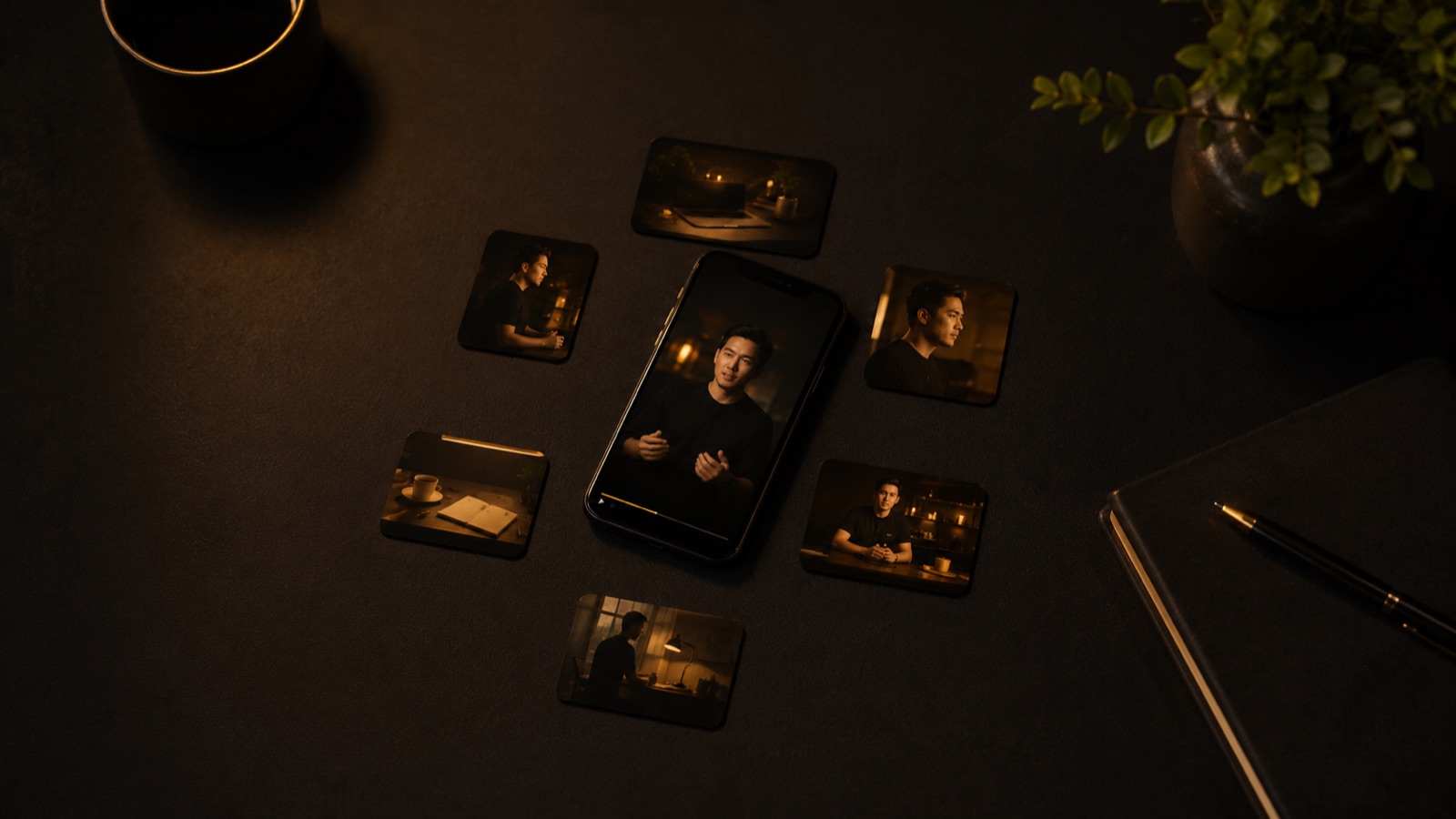
Same idea, new shape. Take the core point from your recording and write it up as a post for your main platform, and as a short email to your list. You already said it out loud, so you're not inventing anything, you're just moving it from spoken to written. This is where one recording quietly turns into a written post, an email, and a few clips, all from the same five minutes of talking.
Step 4: Queue it all on a simple calendar
Last step, you load everything into a basic calendar so it goes out over the week without you touching it again. A spreadsheet works, a scheduling tool works better. The point is the work is done and parked, so when Tuesday comes you're not scrambling, you're just living your life while the queue posts for you. This is what makes the whole thing survivable for a busy person.
The weekly loop, in one breath
- Record two short videos in one sitting, on one idea
- Pull the best moments into three to five clips
- Turn the main idea into a post and an email
- Queue it all on a simple calendar and let it run
Where AI cuts the time
AI doesn't replace you in this loop, it handles the slow middle so you move fast. Here's exactly where it earns its keep:
- Transcribing. Drop your recording in and get the full text back in seconds. Now you can scan for the good lines instead of scrubbing through footage by ear.
- Finding the clips. AI reads the transcript and points to the moments that could be strong clips, so you start from a short list instead of the whole video.
- Drafting captions and posts. Feed it your own transcript and it drafts the captions, the post and the email in your words. You don't stare at a blank page, you edit a rough draft, which is ten times faster.
You still pick the final clips and add your real voice on top, because raw AI text reads generic and people tune it out. But the part that used to kill your week, the scrubbing and the blank page, that's the part AI takes off your plate.
The before and after: where ten hours goes
Here's the honest math. The old way, doing it piece by piece across the week, usually runs about fifteen hours once you add up all the recording, scrubbing, clipping, caption-writing and posting, plus all the time lost switching between them.
The system way looks like this:
- Record: one sitting, about an hour for two videos.
- Clip: AI transcribes and flags moments, you pick and finish, about an hour and a half.
- Write: AI drafts the post and email from your transcript, you edit, about an hour.
- Queue: load the calendar, about half an hour.
That's roughly four to five hours for a full week of content, down from fifteen. So you're getting about ten hours back every single week, and the content's more coherent on top of it, because it all came from one idea instead of five scattered ones.

Does this actually work? Real numbers.
This is the same engine behind every result I've gotten for clients. They record twice a week, I run the rest, and the system does the stretching:
- Charlotte Hazelwood, a strength coach, went from 0 to 30,000 subscribers on YouTube, with the content engine behind 18 million views, and a funnel that pulled 2,000 leads in two days.
- Michelle "Mace" Curran, a fighter pilot turned author, launched to USA Today Bestseller with 5 million views behind her.
- Jason O. Harris, a keynote speaker, got his full backend handled and a funnel that captured 3,473 leads.
- Max at Vids.so went from idea to a market-ready SaaS in two months, with the same batch-and-stretch thinking applied to a product build.
Same loop every time: one batch of recording, the best moments pulled into clips, the main idea turned into a post and an email, all queued and pointed at one place to buy.
Want this run for you instead of by you?
I build and run the whole machine, the recording schedule, the clips, the posts, the emails and the calendar, so all you do is record twice a week. A few clients at a time, working with me directly.
Book a callCommon questions
What is a content repurposing system?
It's a repeatable way to get more out of every recording instead of starting fresh each day. You record in batches, pull the best moments into short clips, turn the main idea into a written post and an email, and queue it all on a simple calendar. One source idea per batch keeps it coherent, so the whole week sounds like one clear thought instead of random reposting.
How much time does repurposing actually save?
For most solo founders it saves around ten hours a week. The old way scatters small tasks across every day, which kills focus. Batching the recording and letting AI handle transcription, clip-finding and first-draft captions pulls a full week of content down to a few focused hours.
Where does AI fit into content repurposing?
AI handles the slow middle. It transcribes your recording, points to the moments that could be clips, and drafts captions, a post and an email from your own words. You still pick the clips and add your real voice, but you skip the part where you stare at a blank page and scrub through footage by hand.
How many pieces of content can one recording make?
One solid recording usually makes three to five short clips, one or two written posts, and an email, so roughly seven to ten pieces. Two recordings a week becomes a full content calendar, and you only spoke for a few minutes total.